
Build code-backed landing pages using GPT-5 Mini, Forge, and UXPin Merge with MUI components for faster, accurate handoffs.
Read more
Build code-backed landing pages using GPT-5 Mini, Forge, and UXPin Merge with MUI components for faster, accurate handoffs.
Read more
Draft landing-page structure and copy with GPT-5.1, then assemble with code-backed design-system components for smooth dev handoff.
Read more
Use GPT-5.1 for copy and UXPin Merge with Bootstrap components to build responsive landing pages and simplify handoff.
Read more
Use GPT-5.1 for copy, Ant Design components, and UXPin Merge to build code-backed landing page prototypes for faster review and handoff.
Read more
Plan copy with AI, build reusable React UI components, and assemble a production-aligned landing page prototype to cut handoff and rework.
Read more
What is interaction design? This complete guide covers IxD principles from Don Norman, the difference between interaction design and UX/UI, a practical checklist, career guidance, and AI-era workflows for interaction designers in 2026.
Read more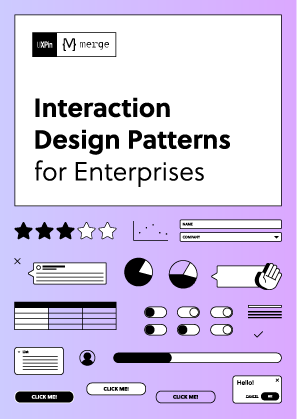
Design and reuse the most important interaction patterns in UI design.
Get it now Get it now
UXPin is a product design platform used by the best designers on the planet. Let your team easily design, collaborate, and present from low-fidelity wireframes to fully-interactive prototypes.
Start your free trial